
ServiceNow tickets it. StitchOps executes it.
ServiceNow runs your ITSM, then stalls the moment a workflow touches a system with no connector. StitchOps logs in and operates those systems using browser automation and computer vision so the work ServiceNow can't reach finally runs on its own.
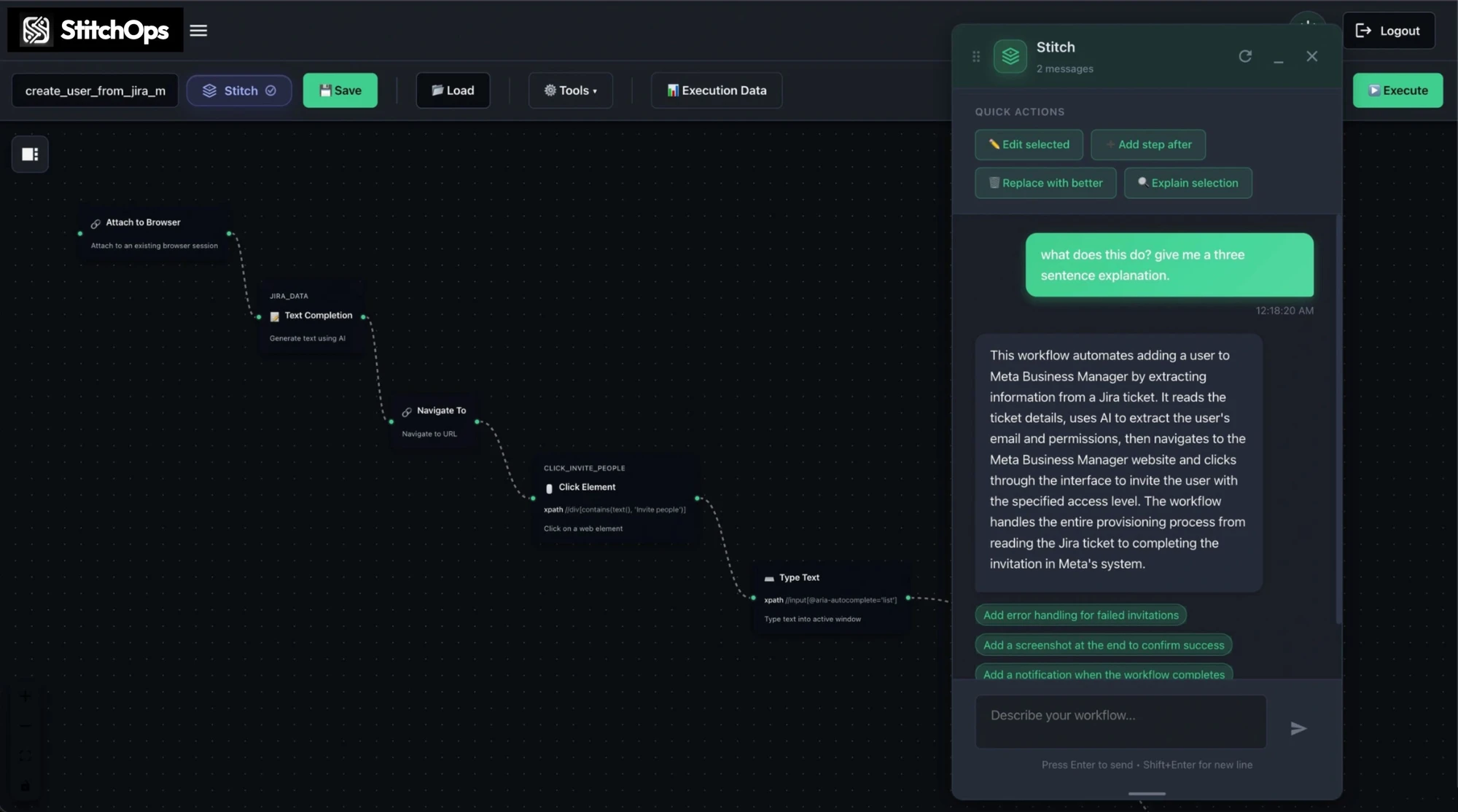
What StitchOps does for ServiceNow teams
It executes the workflows ServiceNow can't reach.
Point it at the system your connectors stop at, describe the job in plain language, and it logs in, navigates, and finishes the task. It works the same whether the system has a modern login or is a legacy desktop app from 2003.
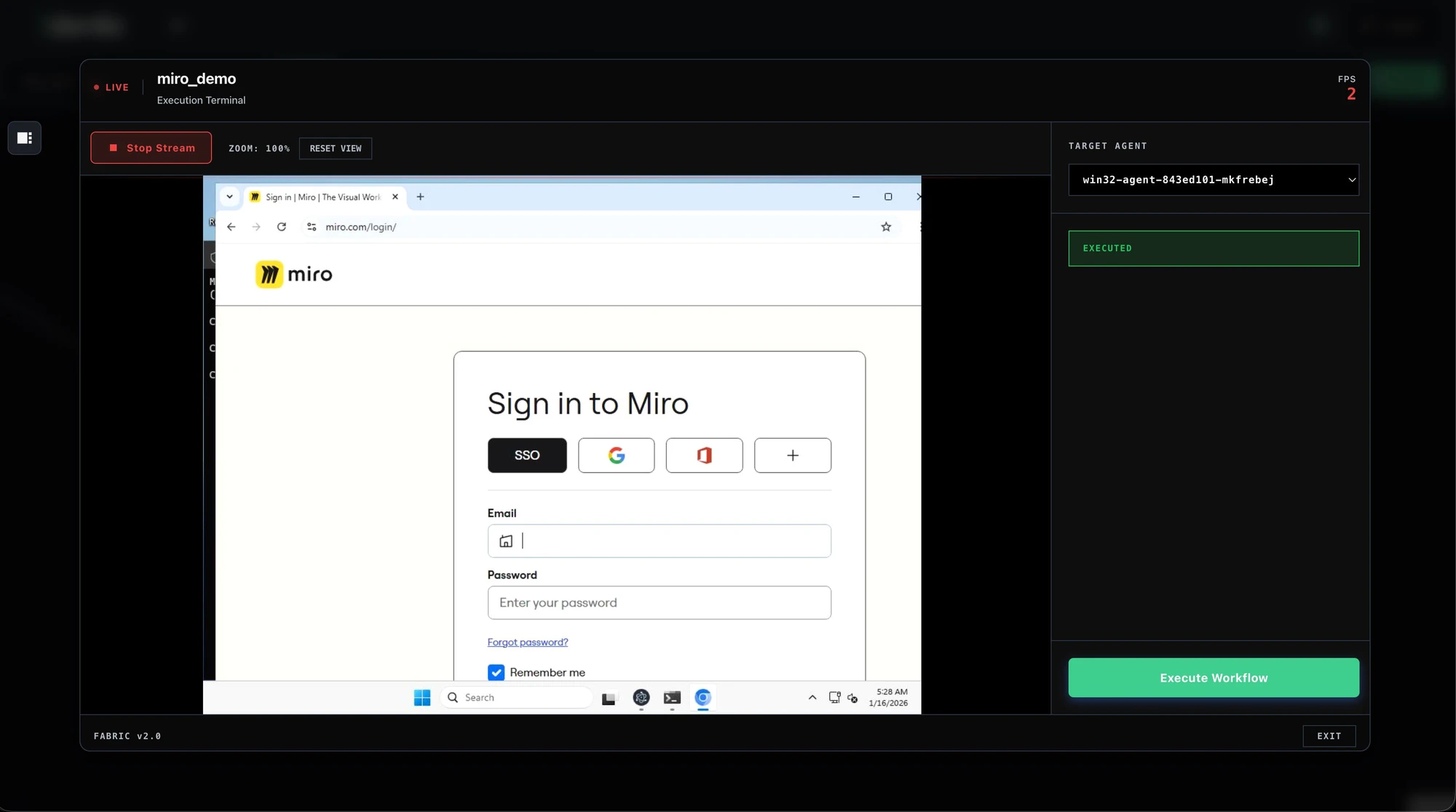
Triggered by a ServiceNow ticket
A ticket fires the workflow, StitchOps executes it across the systems your connectors can't reach.
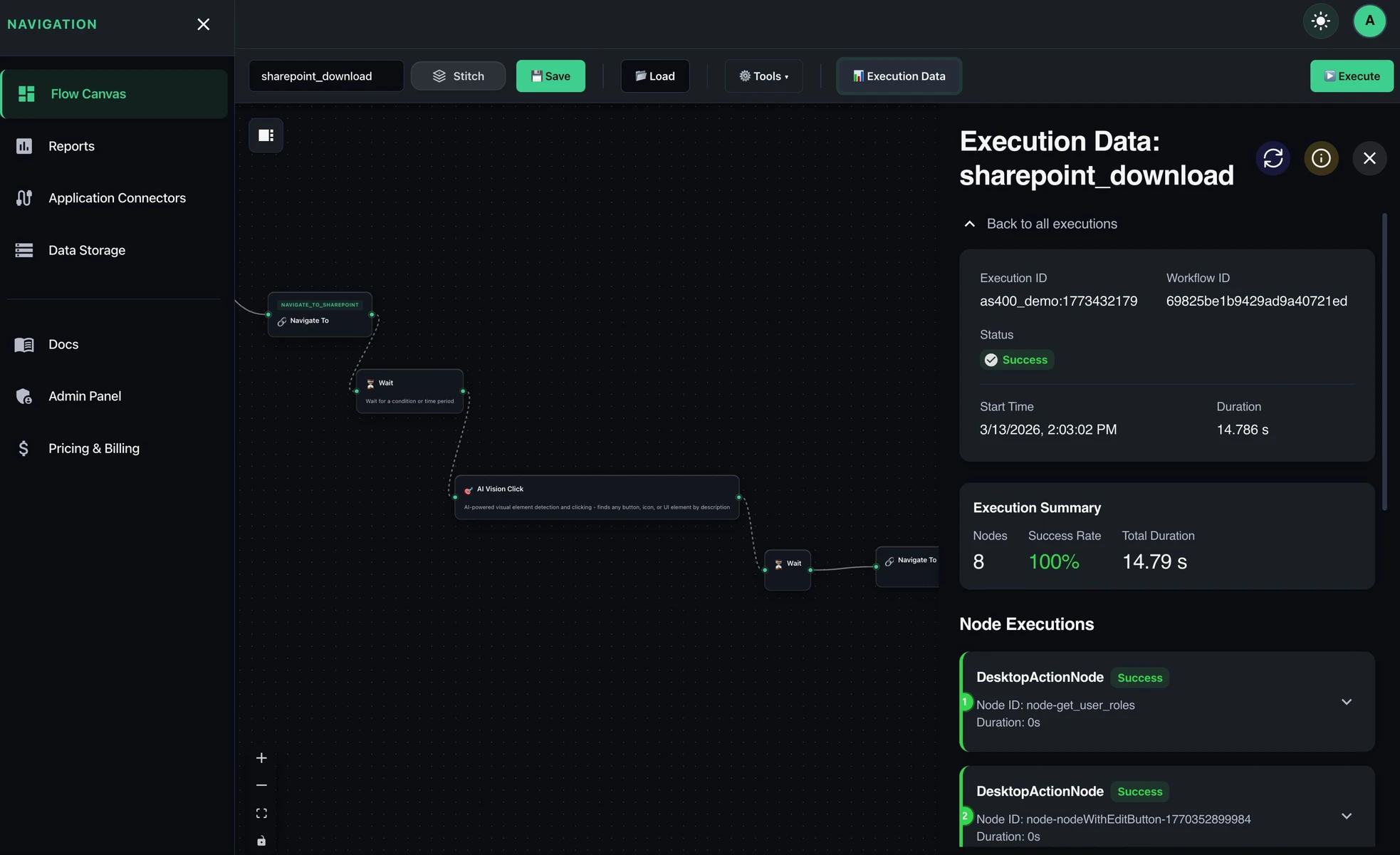
Sees the screen, not selectors
Computer vision finds each control, so workflows survive when a legacy portal changes its layout.
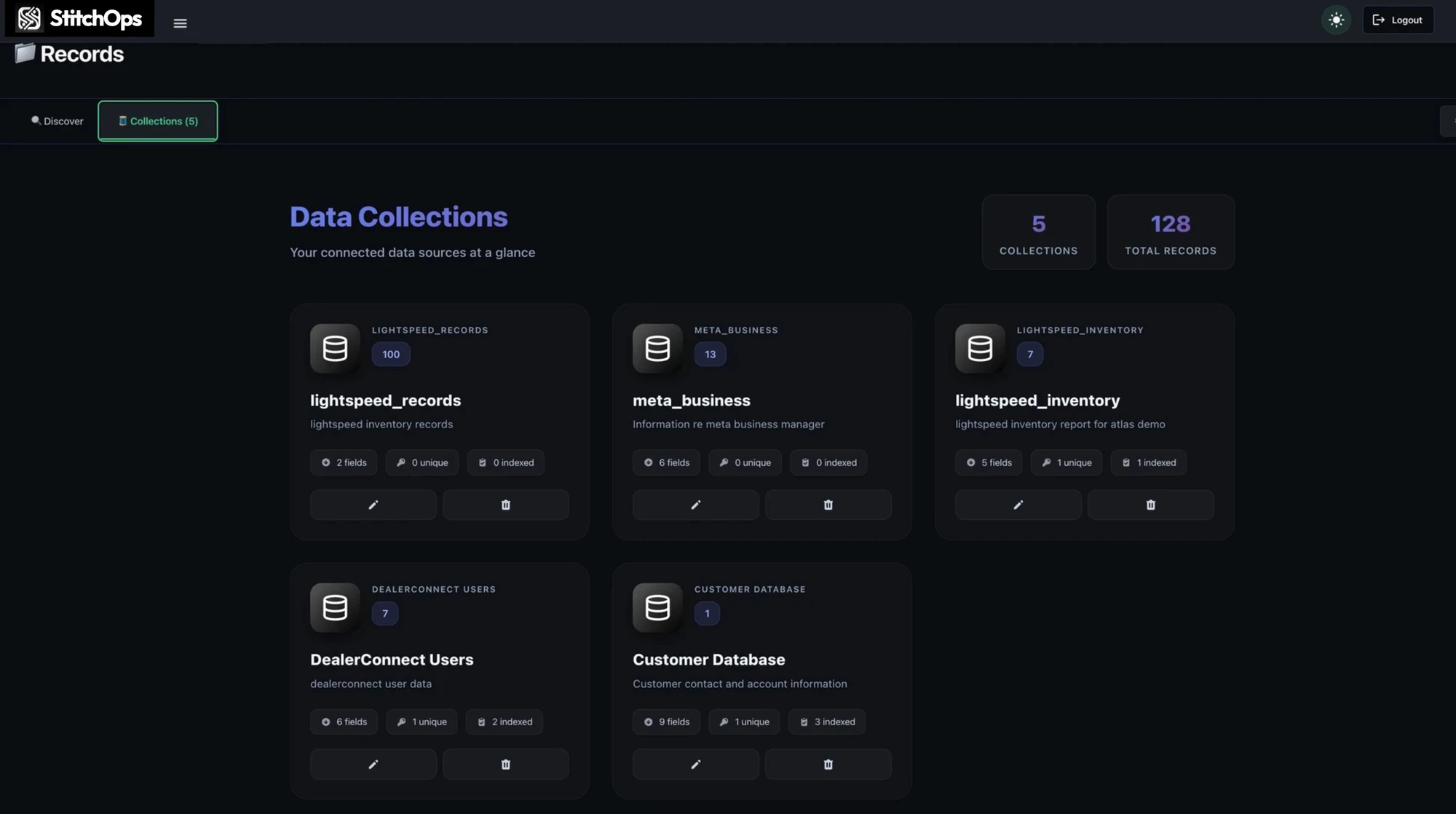
Covers the whole identity surface
Provision and deprovision across modern and legacy systems in one run, with nothing left manual.
Every action is logged
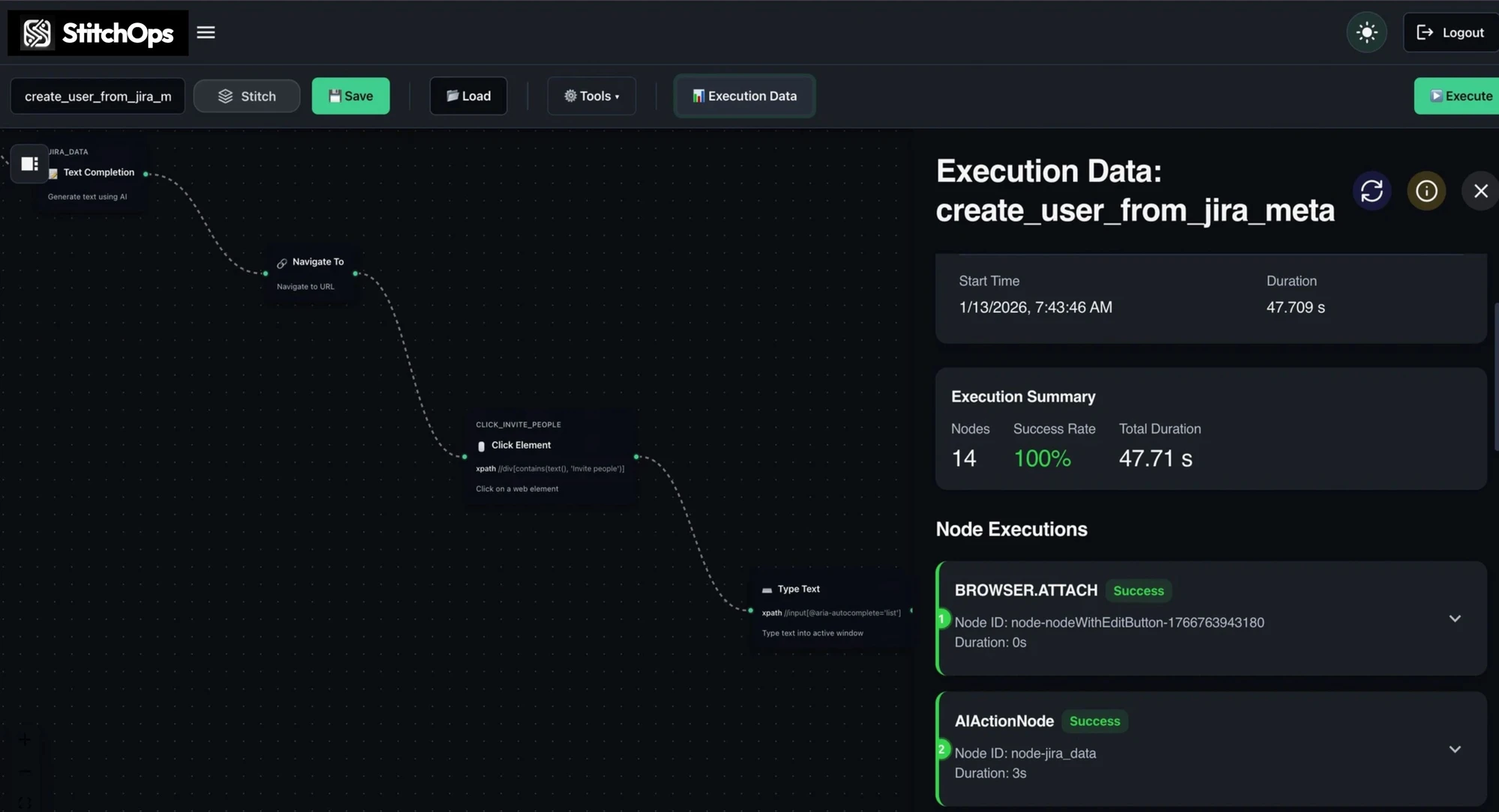
It records the named element it touched, so a reviewer sees exactly what ran on every system.
Reaching the systems ServiceNow connectors don't







Why ServiceNow teams trust it to run unattended
Reliable enough to leave alone.
Automation that only works in a demo isn't worth deploying next to ServiceNow. StitchOps is built to run unattended and self-heal when a legacy portal shifts, with credentials that never leave your own infrastructure.
BYOKV credential custody
Credentials stay in your own key vault. StitchOps never holds them and never persists them.
Runs in your environment
The agent executes inside your network with an outbound-only connection. No inbound ports.
Deterministic and auditable
Every action is logged by the named element it touched, so any run is reviewable.
Compliance ready
SOC 2 Type 1 complete, Type 2 in progress, with HIPAA deployments supported via BAA.
See it run on your system
Scope one workflow ServiceNow can't reach and watch StitchOps run it live inside your own environment.
Before and after StitchOps
Trade the manual queue for a workflow.
The systems ServiceNow can't reach didn't go away. Your team just absorbed them as manual work that never scales. Here's what changes the day StitchOps takes them over.
From stuck workflow to live automation
Start with one workflow prove it, then expand.
You don't buy a platform on faith. You pick the workflow ServiceNow can't reach, watch it run inside your own systems, and let the proof of value make the decision for you.
1. Pick the workflow that stalls
Name the JML or access workflow ServiceNow can't reach. That's the one we scope.
2. Describe it in plain language
Tell the AI assistant the steps. It builds a runnable workflow on a visual canvas.
3. Run it in your environment
The agent executes inside your network, pulling credentials from your own vault.
4. Measure, then expand
See hours and dollars recovered, then add the next system as a sub-workflow.
What's your next move?
The workflow isn't going to automate itself.
It's stayed manual because ServiceNow connectors stop there. The only real question left is whether you want to see it run, dig into the details first, or leave it manual for another quarter.