
Automate the NetSuite work your API can't reach.
Your integrations stop at the screens, sublists, and steps NetSuite never exposed. StitchOps logs into NetSuite and operates it the way your team does, using browser automation and computer vision so the manual re-keying finally runs on its own.
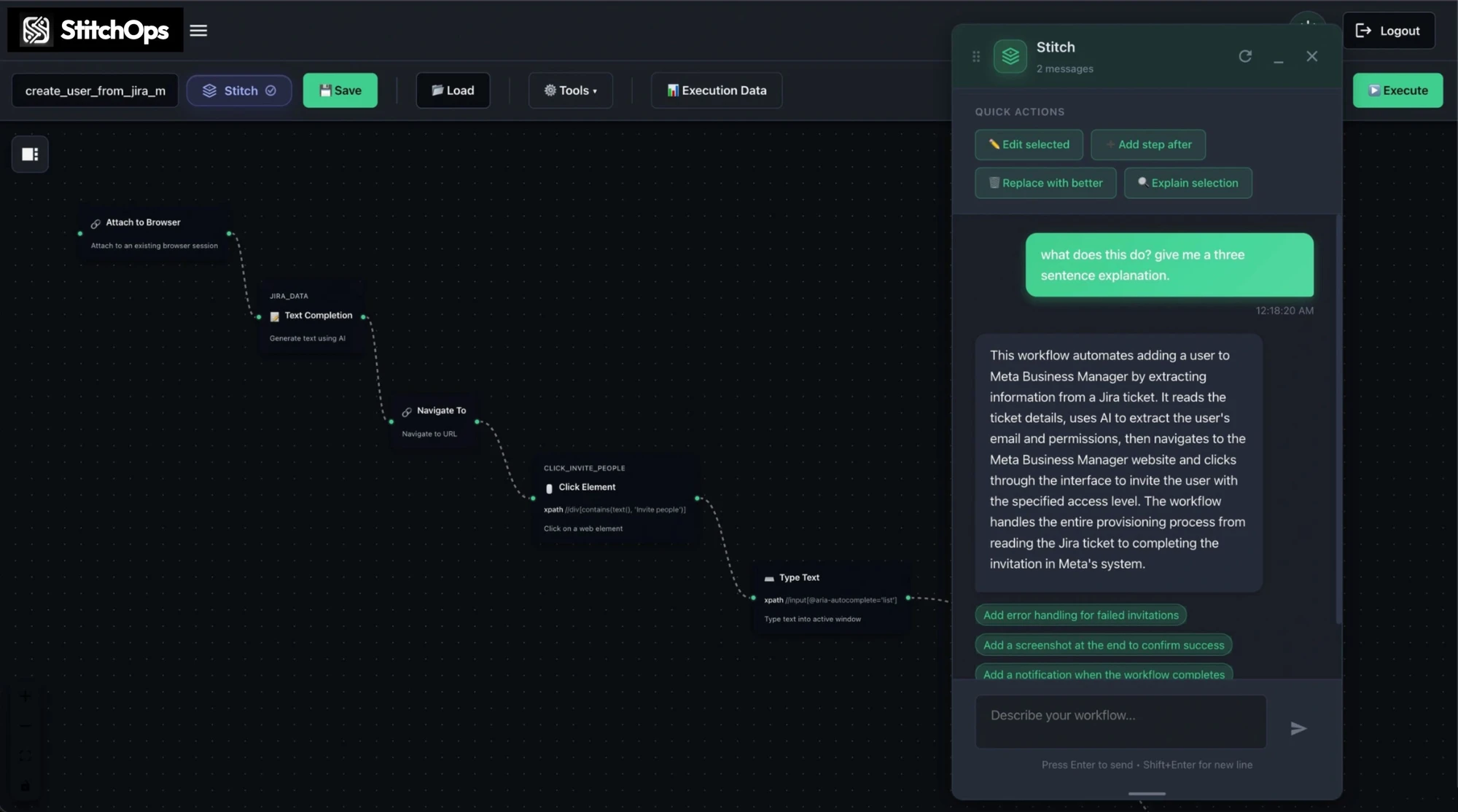
What StitchOps actually is
It does the NetSuite clicking so your team stops.
Point it at NetSuite, describe the job in plain language, and it logs in, navigates the screens, reads the fields, and finishes the task. It works the same whether you're in NetSuite or a legacy desktop app from 2003.
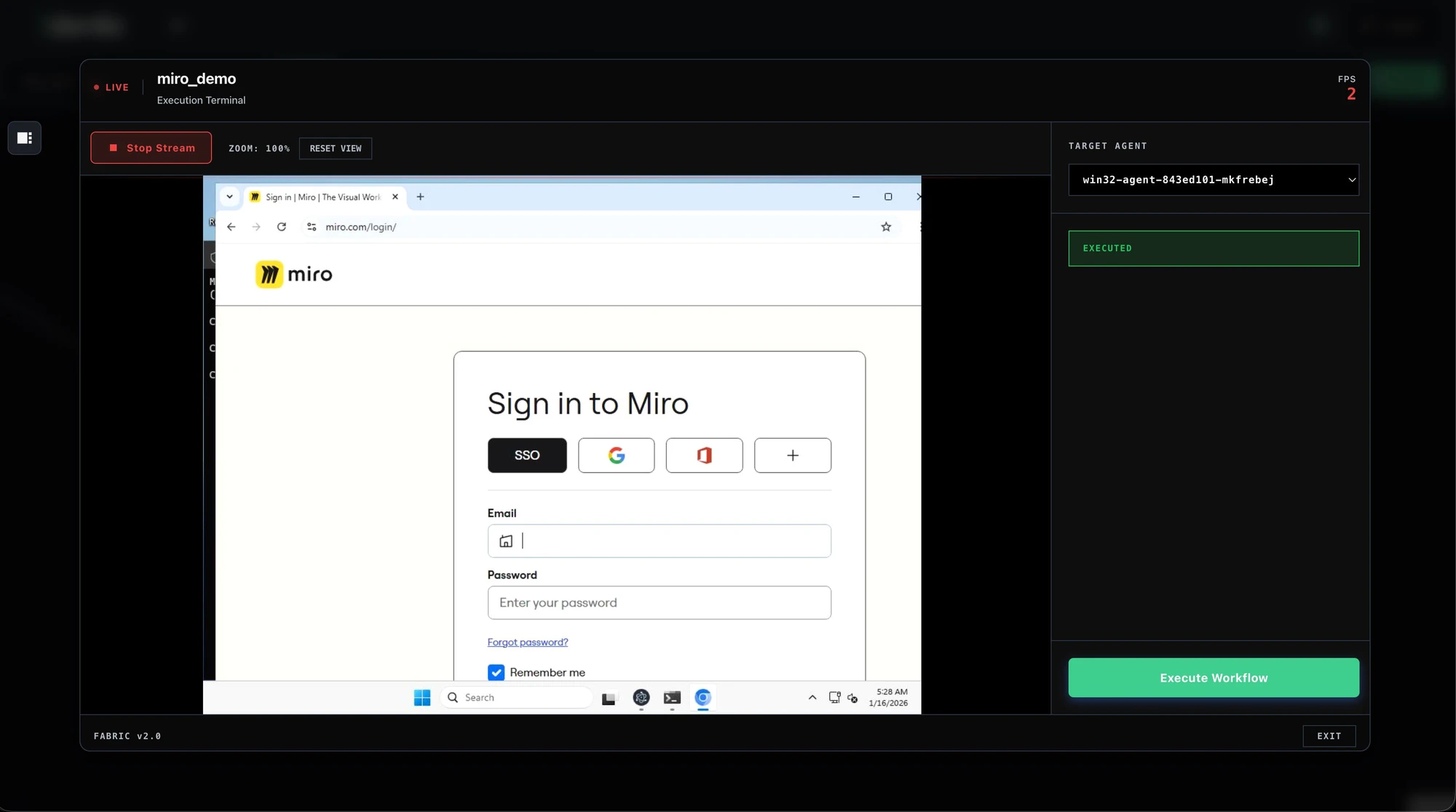
Runs NetSuite in a real browser
It logs into NetSuite and operates the screens, so no API is ever required.
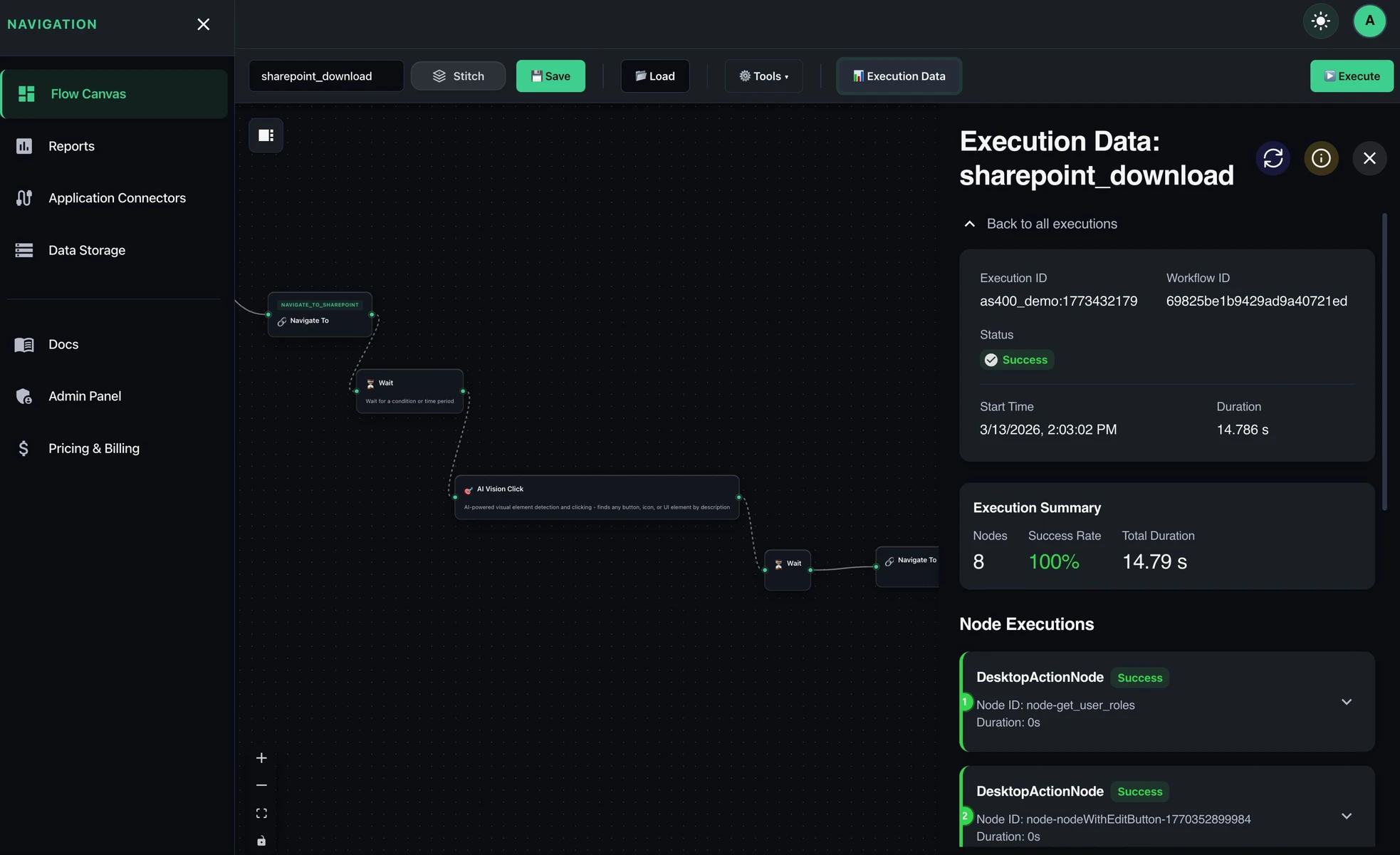
Sees the screen, not selectors
Computer vision finds each NetSuite field, so workflows survive when a form or layout changes.
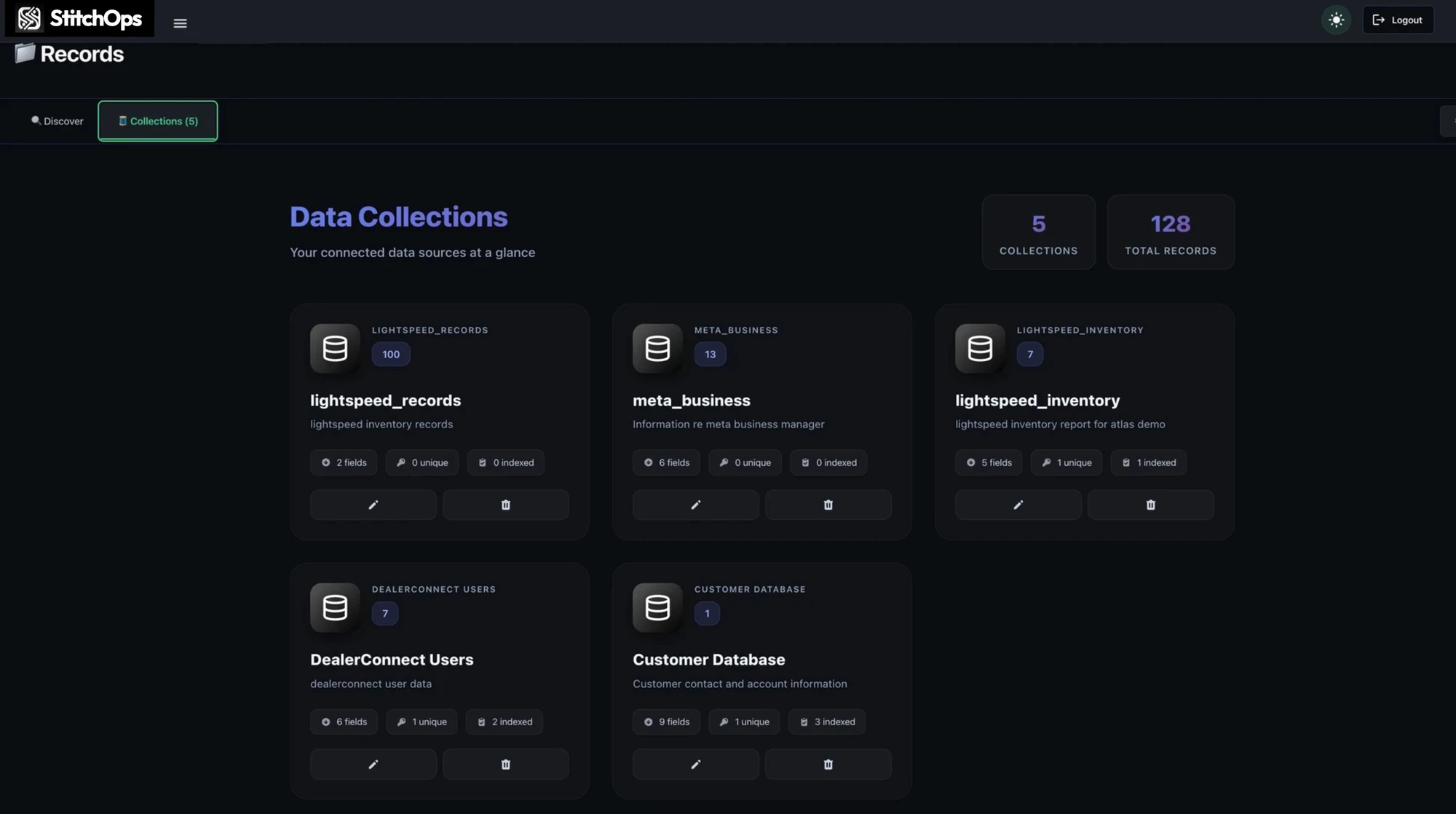
Stitches NetSuite to your stack
Pull from an API system, drive a NetSuite screen, and write results back in one run.
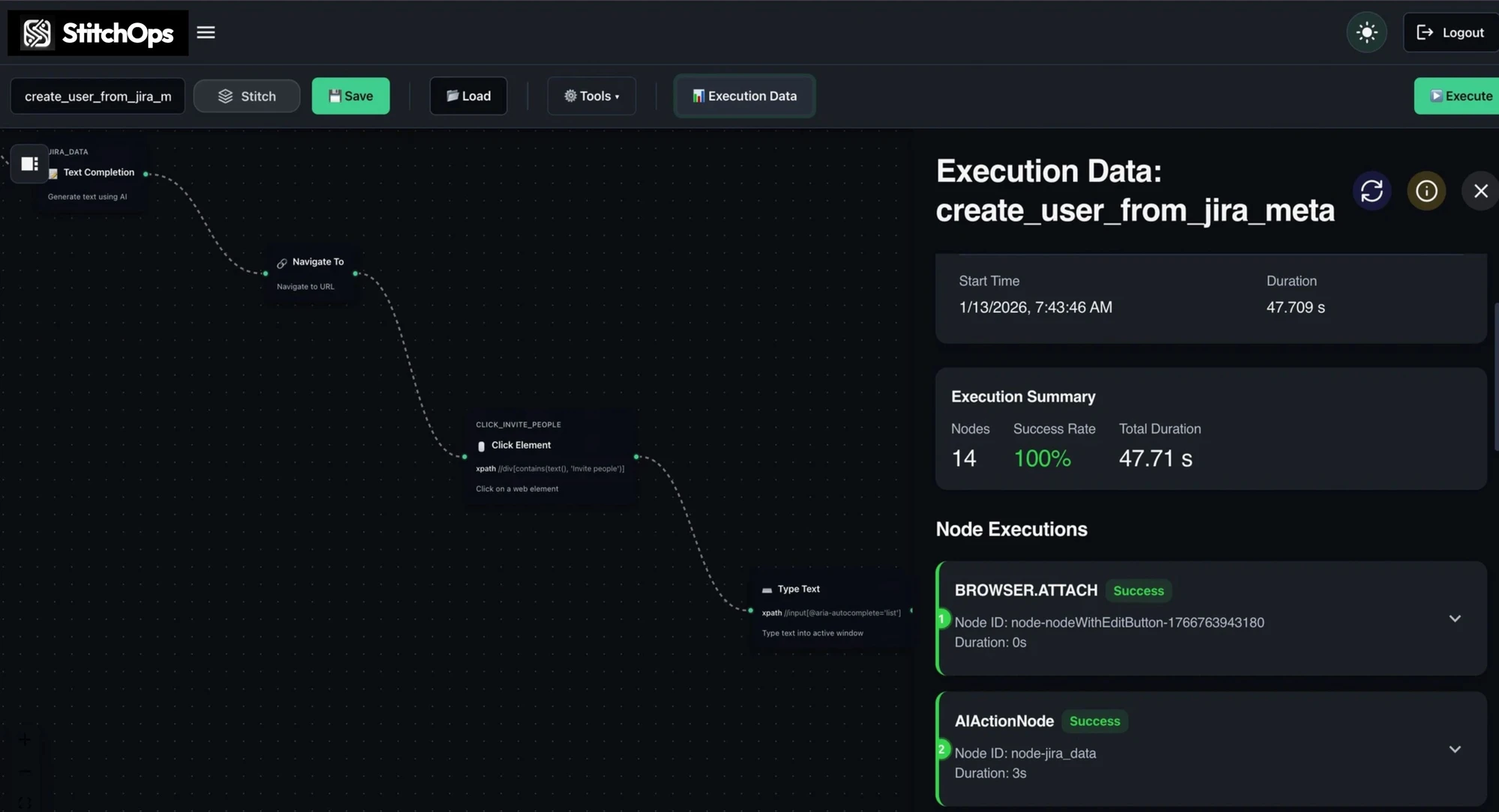
Every action is logged
It records the named field it touched, so a reviewer sees exactly what ran in NetSuite.
Built for NetSuite and the systems around it







Why teams trust it to run unattended
Reliable enough to leave alone.
Automation that only works in a demo isn't worth deploying against your ledger. StitchOps is built to run unattended and self-heal when a NetSuite form shifts, with credentials that never leave your own infrastructure.
BYOKV credential custody
Your NetSuite credentials stay in your own key vault. StitchOps never holds or persists them.
Runs in your environment
The agent executes inside your network with an outbound-only connection. No inbound ports.
Deterministic and auditable
Every action is logged by the named field it touched, so any run is reviewable.
Compliance ready
SOC 2 Type 1 complete, Type 2 in progress, with HIPAA deployments supported via BAA.
See it run on your NetSuite
Scope one high-value NetSuite workflow and watch StitchOps run it live inside your own environment.
Before and after StitchOps
Trade the manual queue for a workflow.
The NetSuite screens your API can't reach didn't go away. Your team just absorbed them as manual work that never scales. Here's what changes the day StitchOps takes it over.
From stuck workflow to live automation
Start with one workflow prove it, then expand.
You don't buy a platform on faith. You pick the NetSuite workflow that hurts most, watch it run inside your own systems, and let the proof of value make the decision for you.
1. Pick the painful one
Name the NetSuite task everyone re-keys by hand. That's the workflow we scope.
2. Describe it in plain language
Tell the AI assistant the NetSuite steps. It builds a runnable workflow on a visual canvas.
3. Run it in your environment
The agent executes inside your network, pulling NetSuite credentials from your own vault.
4. Measure, then expand
See hours and dollars recovered, then add the next NetSuite screen as a sub-workflow.
What's your next move?
The NetSuite work isn't going to automate itself.
It's been manual this long because everyone assumed the screen couldn't be reached. The only real question left is whether you want to see it run, dig into the details first, or leave it manual for another quarter.