
Your finance automation stops where the API ends. Ours keeps going.
QuickBooks Desktop, SAP GUI, and most tax portals have no usable API, so automation stops at the login screen. StitchOps runs browser automation and computer vision to do the data entry and reconciliation anywhere a person can log in and click.
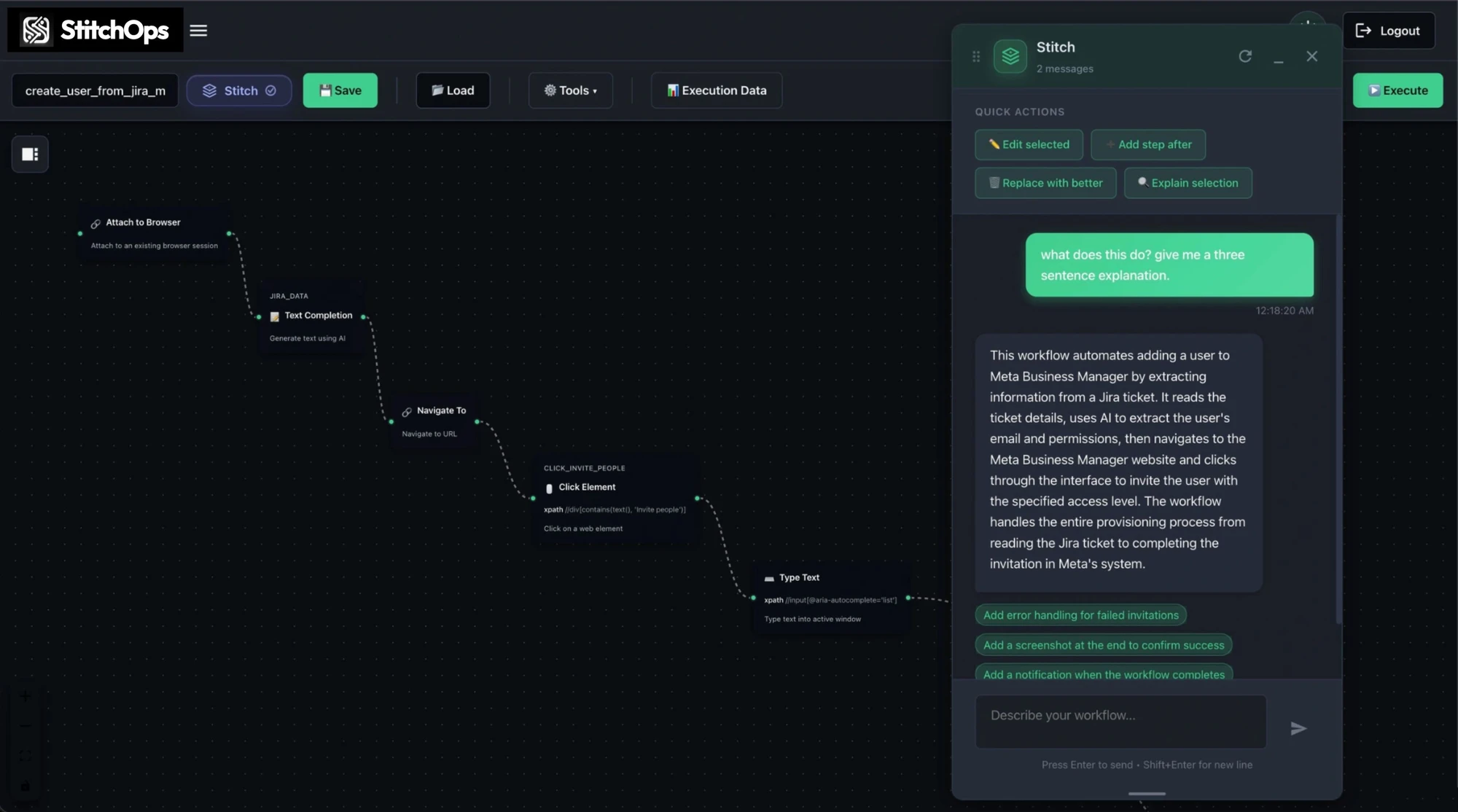
What StitchOps actually does
It logs in and does the keying and matching for you, on any screen.
Think of a tireless clerk who opens the portal, types the invoice, reads the statement, and reconciles the line. It self-heals when a vendor changes a layout, and every entry it makes is logged and auditable.

Posts into a live system
Logs into QuickBooks Desktop or a bank portal and keys the entry on the real screen, no API required.
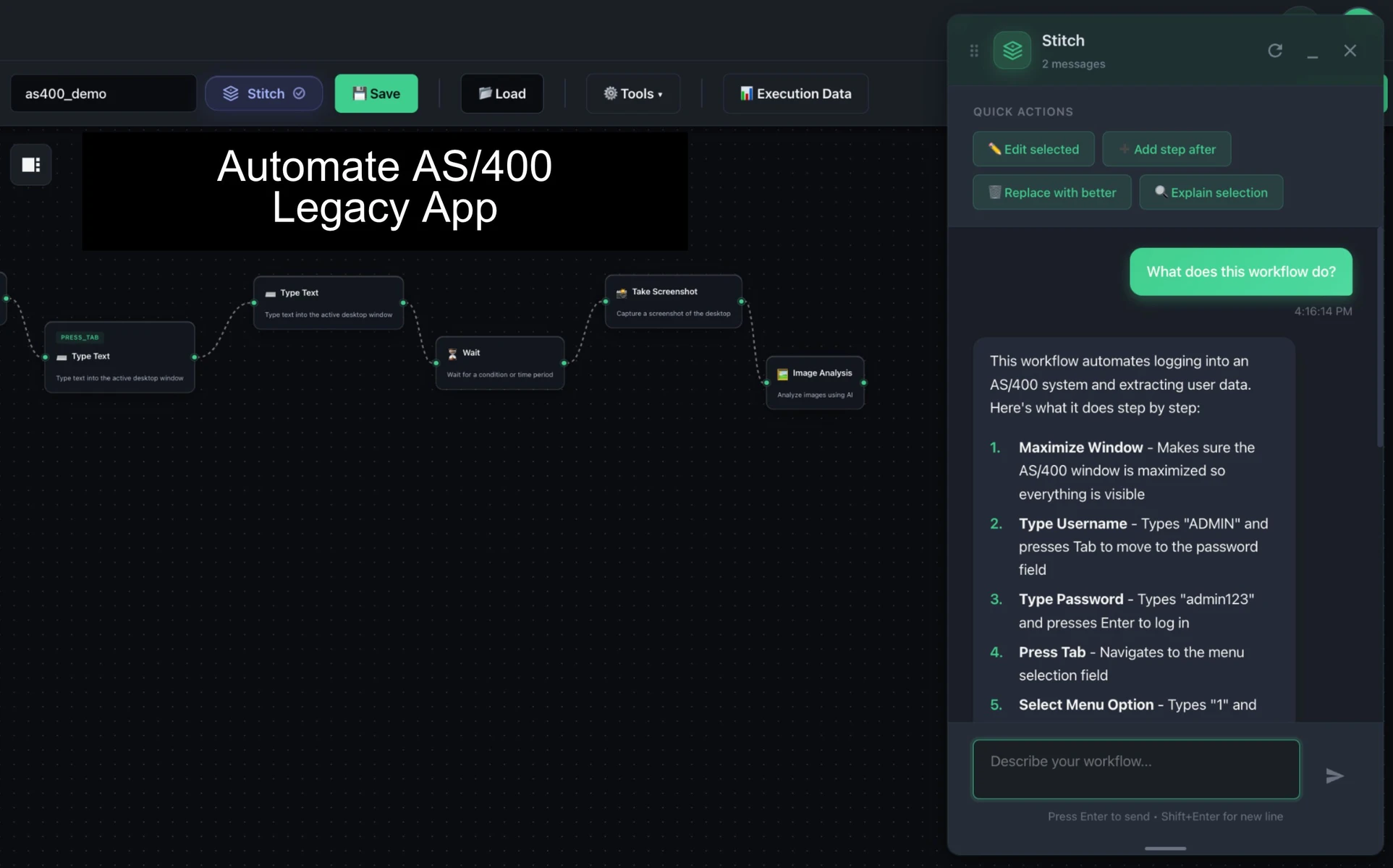
Reaches legacy ERPs
Automates data entry and extraction in SAP GUI, Oracle EBS, and AS/400-era systems alongside web portals.
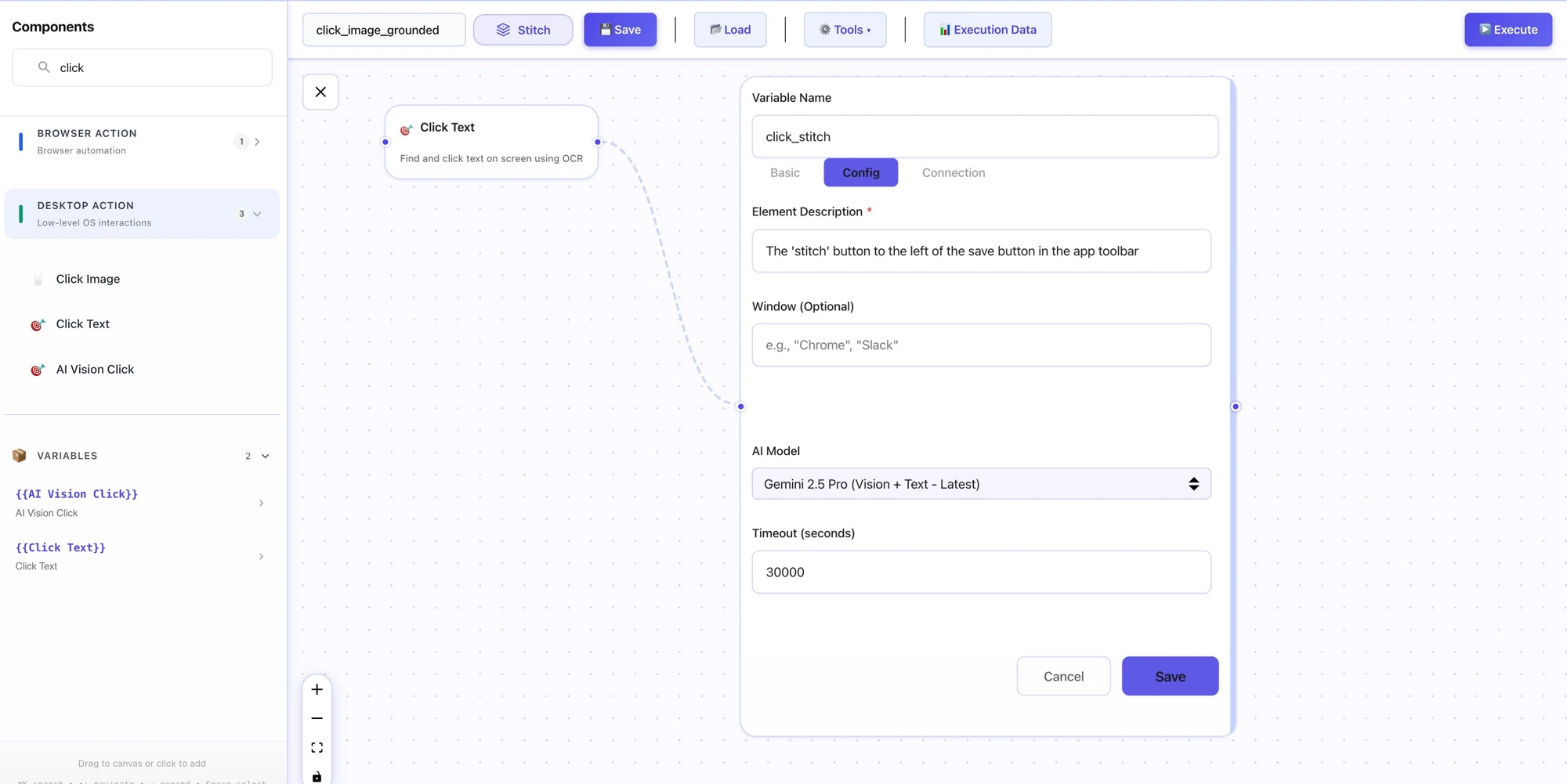
Build it in plain language
Describe the reconciliation and the AI assistant builds a runnable workflow on a visual canvas.

Watch every run
Execution logs show success rates and exactly what each entry did, line by line.
Why finance teams trust it in production
Built for real systems, not just demos.
StitchOps was built by automation veterans who watched tools work in a demo and break during close. The architecture is deterministic and reviewable, and your credentials never leave your infrastructure.
Credentials stay yours
BYOKV means your accounting and banking logins live in your own vault. StitchOps never holds them.
Runs in your environment
The agent executes on your infrastructure. Financial data never leaves your network.
Compliance ready
SOC 2 Type 1 complete, Type 2 in progress, and HIPAA deployments via a BAA structure.
Survives UI changes
Computer vision re-perceives the screen and recovers when a vendor reformats an invoice, instead of failing silently.
Prove it on one workflow
Scope one high-volume workflow like AP entry or bank reconciliation and watch the agent run it inside your own environment before any bigger commitment.
Backed and supported by



Before and after StitchOps
Trade the manual close for a workflow that just runs.
The work that eats your team's day, keying invoices, re-entering data between systems, and matching transactions, runs unattended once the workflow is scoped.
From stuck close to proven result
Start with one workflow. Prove it, then expand.
You do not buy a platform and hope. You pick the workflow that hurts most, AP entry or bank reconciliation, and watch it run in a proof of value inside your own environment.
1. Name the workflow
Pick the accounting system or portal that eats the most manual hours today.
2. Scope the proof
We map the steps and stand up the agent inside your environment.
3. Watch it run
See the workflow post and reconcile on the real system, with every entry logged.
4. Expand from proof
Add the next system or vendor in hours and grow from a result, not a promise.